10
Photo & Video · iPhone + iPad
A private photo and video library app, reimagined ten ways.
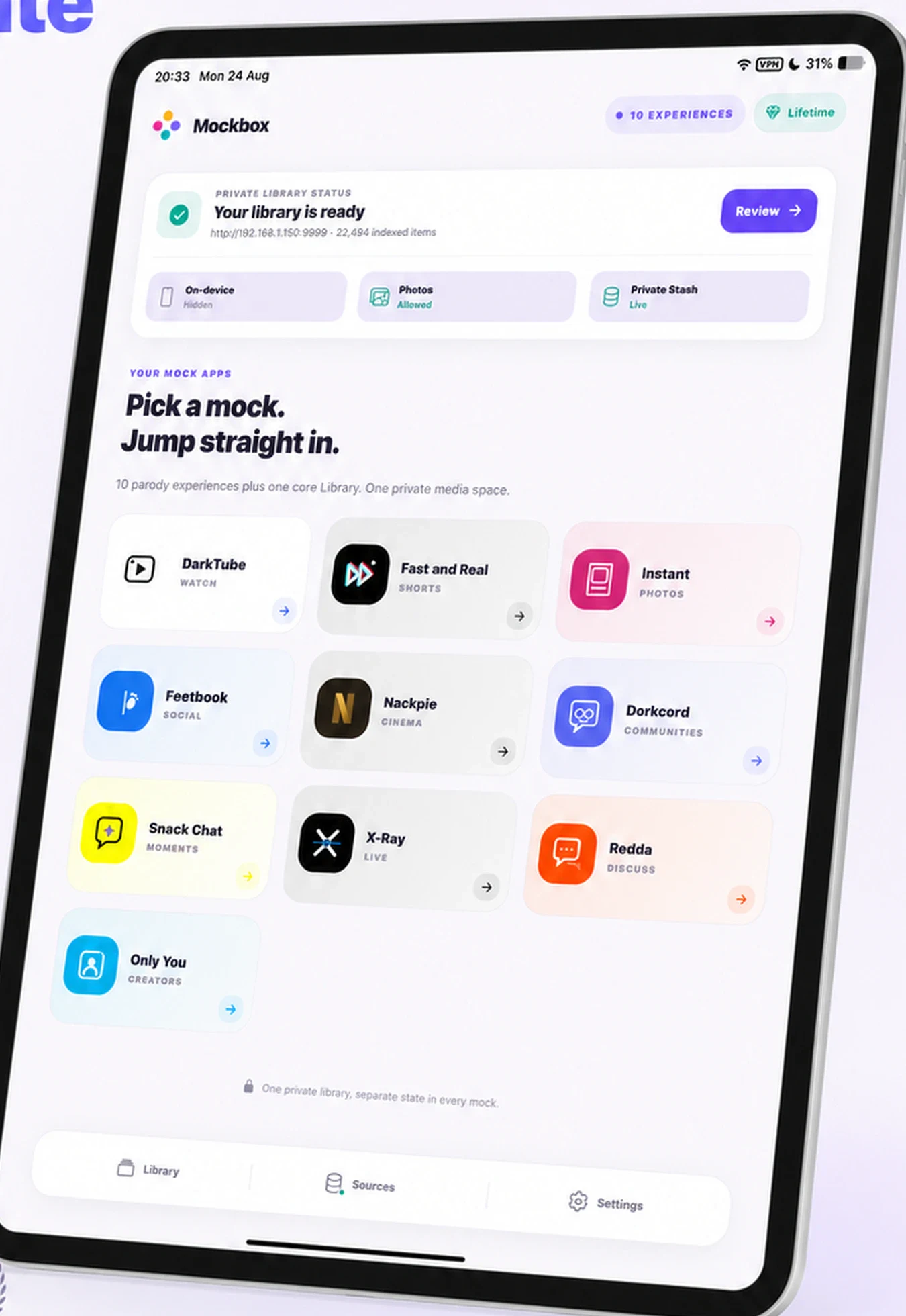
Choose the media you want to use, then open it as a focused video shelf, a vertical feed, a photo journal, a cinema library, a private room, or another purpose-built view. No social account is required.
- No social account
- On-device first
- Optional local Stash
1
Private media library
0
Social accounts needed
2
Purpose-built device layouts
How Mockbox works
Start with your media, not a public feed.
Select
Choose what enters
Use selected photos and videos from your device. Limited Photo Library access is supported and Mockbox does not change the originals.
Open
Pick the view you want
The same library can become a video shelf, vertical player, photo journal, cinema catalog, private room, or topic-led feed.
Return
Keep your place locally
History, saved items, drafts, reactions, and messages stay with the installation so each experience can remember where you left it.
The lobby
One library.
Ten distinct views.
Each experience changes navigation, discovery, and local state—not the ownership of your media. Compare the purpose and built-in tools of all ten before choosing a view.
Watch
DarkTube
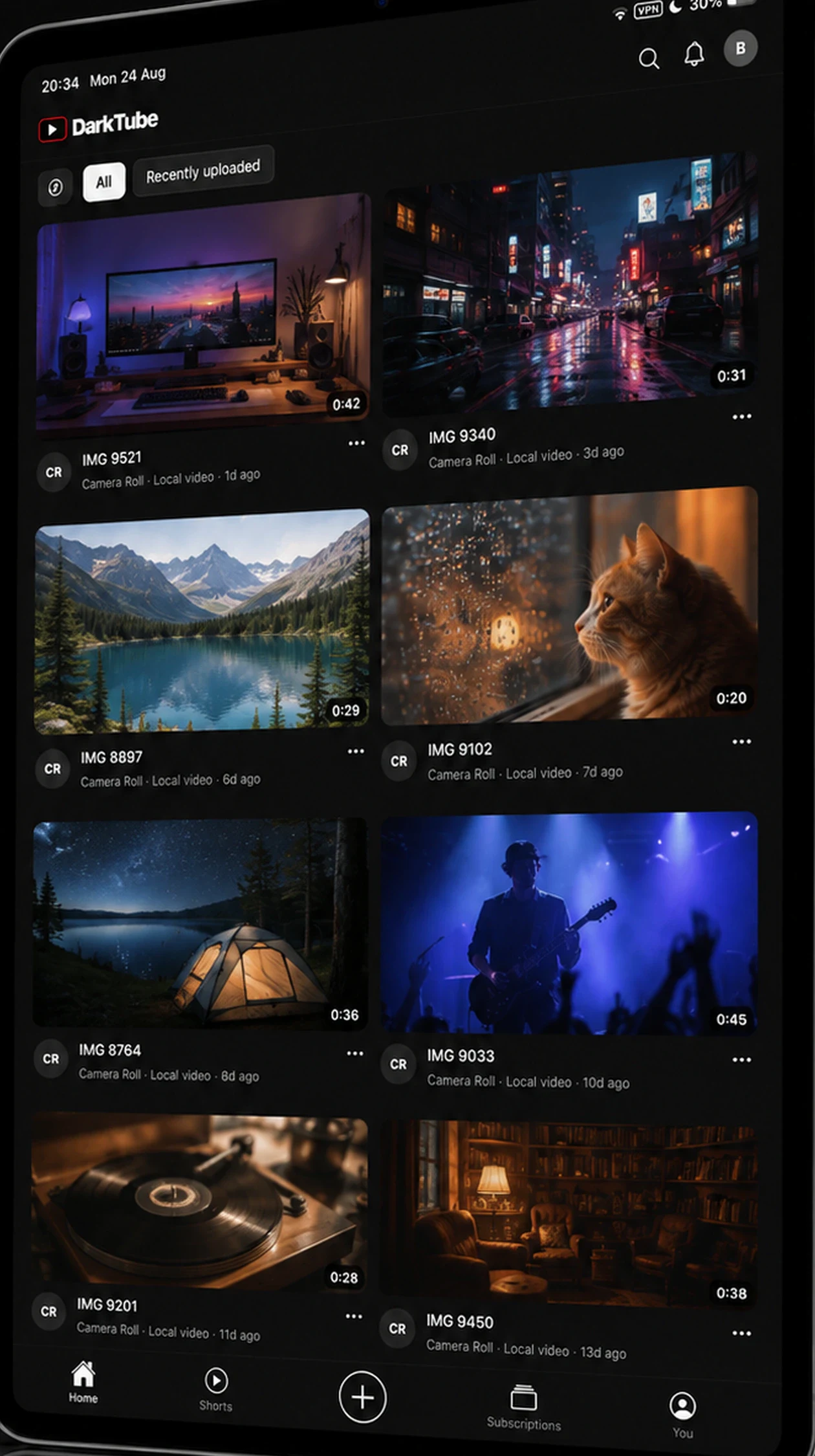
A focused video library with channels, playback history, ratings, and search.
- Channels and search
- Playback history
Watch
Fast and Real
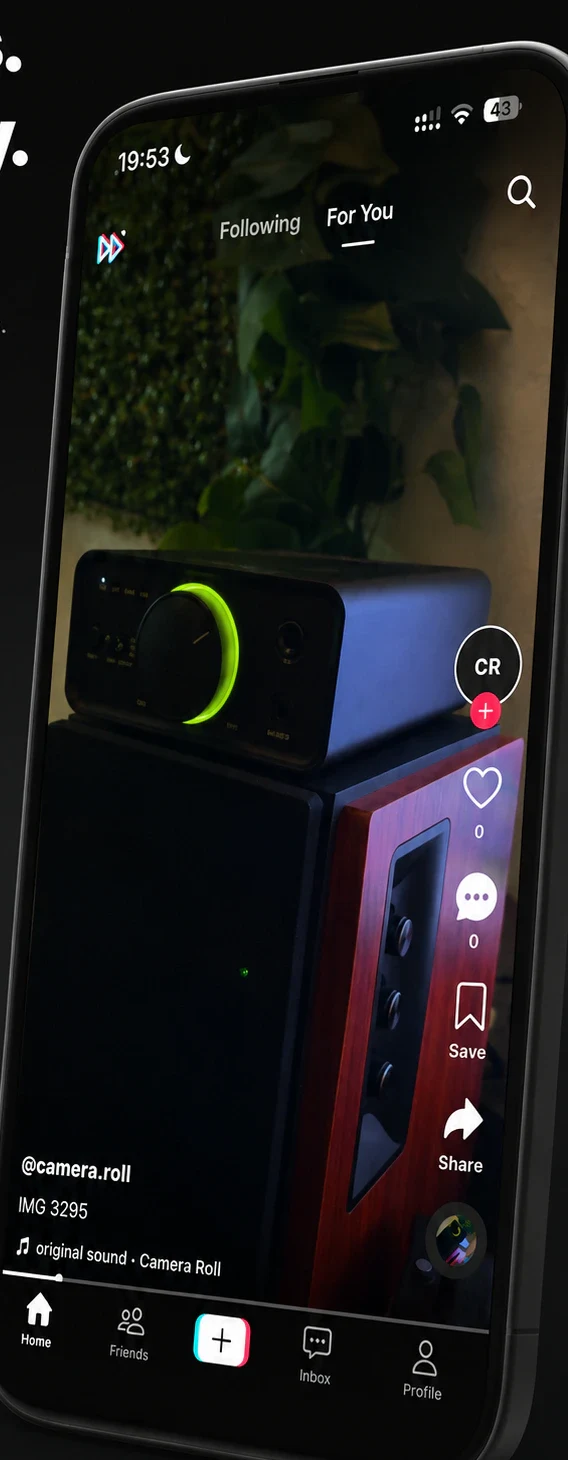
A fast vertical feed that turns your own videos into short-form discovery.
- Vertical playback
- Local reactions
Photos
Instant
Photos, reels, journals, saved posts, and familiar browsing rhythms.
- Photo journals
- Saved posts
Social
Feetbook
Stories, groups, and a playful timeline built only from your private media.
- Stories and groups
- Private timeline
Watch
Nackpie
Cinema-style shelves, series groupings, and a useful continue-watching queue.
- Cinema shelves
- Continue watching
Talk
Dorkcord
Private rooms, attachments, search, and local conversations around your media.
- Rooms and search
- Local messages
Photos
Snack Chat
Camera moments and private-chat inspired flows that stay on your device.
- Camera moments
- Private chats
Talk
X-Ray
Live notes and compact local conversations with quick media context.
- Live notes
- Media context
Talk
Redda
Topic-led discussion feeds, votes, saved threads, and local reading history.
- Topics and votes
- Reading history
Social
Only You
Creator-first collections and profiles generated from the library you control.
- Creator views
- Collections
Choose a format above to bring related experiences forward while keeping the whole library in view.
Privacy model
Your media stays where you put it.
Mockbox works from media you select. It does not turn your library into a hosted profile and it does not publish your activity to third-party social or streaming services.
- Device media
- Only the photos and videos you select are used. Limited Photo Library access is supported.
- Private Stash
- Optional. Connect to a Stash library you control over your local network; device-only use remains available.
- Local activity
- Reactions, follows, drafts, messages, saved items, and viewing history remain local to the installation.
- App lock
- Optional passcode and biometric protection can cover the app when it becomes inactive.
No social account
Browse your library without creating a public identity.
No external posting
Mockbox does not publish to real social or streaming platforms.
No personal-library upload
Personal media and private Stash credentials are not uploaded to COLDTER.
Product views
Designed separately for phone and tablet.
Mockbox gives iPad more room for library-wide navigation and keeps portrait controls close at hand on iPhone. The result is a comfortable way to browse whether you are settled in or moving quickly.
App Store
Download Mockbox for iPhone and iPad.
Open the Mockbox product page on the App Store to see current availability, localized pricing, device compatibility, and purchase terms from Apple.

Annual
$39.99 / year
Seven-day introductory trial where eligible.
Lifetime · one time
$49.99
A one-time purchase for permanent access on supported devices.
US reference prices shown. Apple confirms localized price, eligibility, renewal terms, and purchase details before confirmation.
Direct answers
Mockbox FAQ
Clear answers about media access, privacy, supported devices, Stash, and Mockbox Pro.
- What is Mockbox?
- Mockbox is a private photo and video library app for iPhone and iPad. It gives the media you choose ten playful ways to browse, watch, organize, and revisit it without turning your library into a public social account.
- Does Mockbox upload my photo or video library?
- No. Photo Library media, private Stash credentials, reactions, drafts, messages, and viewing history remain on your device. Mockbox does not upload your personal library to COLDTER. Update delivery may provide non-identifying crash diagnostics for app functionality.
- Where does the media in Mockbox come from?
- You can use photos and videos selected from your device and, optionally, connect a Stash library that you control on your local network. On-device use remains available without a desktop connection or Stash server.
- Does Mockbox post to real social or streaming platforms?
- No. The experiences use original fictitious names, icons, and layouts. They do not connect to, publish to, or claim affiliation with third-party social media or streaming services.
- Do I need an account to use Mockbox?
- No social account is required. The app is designed around media you already control, and the interactions you create inside each experience stay local to your installation.
- Which devices does Mockbox support?
- Mockbox is built for iPhone and iPad and requires iOS or iPadOS 16.4 or later. Its navigation and media layouts adapt from compact phones to portrait and wide tablet screens.
- What does Mockbox Pro cost?
- The US reference prices are $39.99 per year, including a seven-day introductory trial where eligible, or $49.99 once for Lifetime access. Apple shows the final localized price, eligibility, renewal terms, and purchase confirmation.
- Where can I download Mockbox?
- Use Mockbox’s App Store product page to download it on iPhone and iPad. Apple shows the current availability for your country, device, and Apple Account before download or purchase.